
DuckDB
The DuckDB plugin opens a DuckDB database file, or a Parquet, CSV or JSON file on its own, and queries it with DuckDB’s SQL. It downloads on demand like the other plugins. Unlike them it carries DuckDB itself, so each computer gets the build for its system, about 20 to 29 MB.
Connect
Section titled “Connect”File takes one of these:
- A
.duckdbfile. A missing one is created. :memory:, for a scratch database that lives as long as the connection.- A data file:
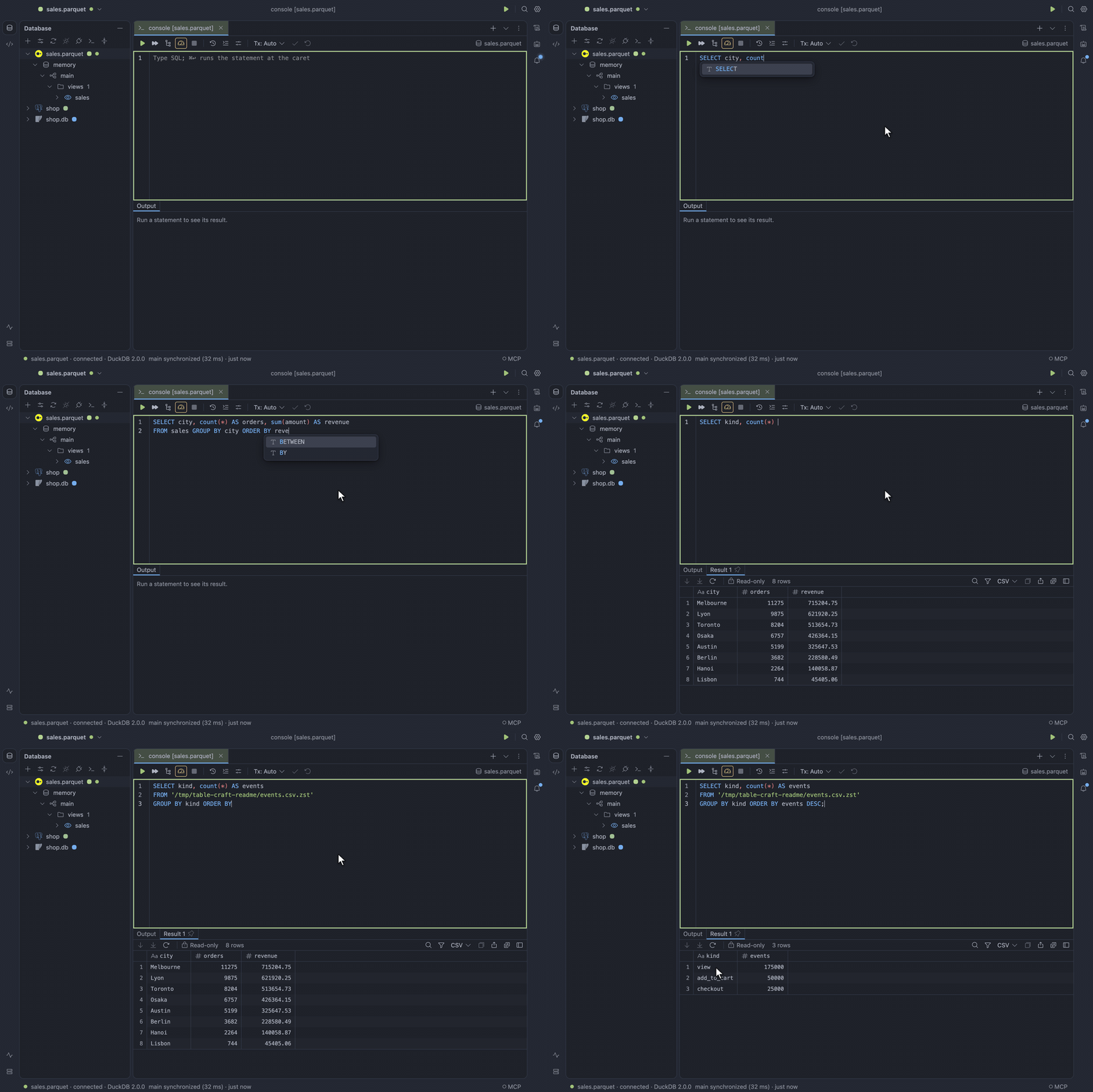
.parquet,.csv,.tsv,.json,.ndjsonor.jsonl, compressed as.gzor.zsttoo. It opens as an in-memory database with one view named after the file,ordersfororders.parquet. A glob such as/data/2026-*.parquetmakes one view nameddata.
To fill it in, paste duckdb:///path/to/file.
Share a file with other programs
Section titled “Share a file with other programs”DuckDB locks a database file for the program that opens it for writing. Consoles of the same data source share one open file. A second data source on the same file, or another program, is refused with the name and process id of the program holding it.
To let them share it, tick Open the file read-only (under Advanced) in every program that uses the file. A data source marked read-only runs each statement in a read-only transaction.
Files from a console
Section titled “Files from a console”Any data source on this plugin reads files by path:
SELECT * FROM 'events.csv.zst'FROM read_parquet('logs/*.parquet')CREATE TABLE t AS FROM 'x.csv', to copy one into the database.
Values
Section titled “Values”HUGEINTandBIGINTkeep every digit, andDECIMALits scale.- Lists, structs, maps and unions read as JSON, a map as an array of
{"key", "value"}pairs. TIMESTAMPTZshows in DuckDB’s time zone setting.INTERVAL,UUIDandBITshow as DuckDB prints them.
Transactions
Section titled “Transactions”In manual mode the first statement opens a transaction. An error inside it aborts the whole transaction: every later statement fails until you roll back, and a Commit then keeps nothing.
Two consoles changing the same row conflict at once (Conflict on update), and two inserting the
same key fail at the second commit.
Explain
Section titled “Explain”Explain Plan and Explain Analyse show DuckDB’s operator tree, with the estimated rows of each step, and its rows and time once analysed.
Extensions
Section titled “Extensions”Parquet, JSON, ICU and the core functions are built in. Reading https:// or s3:// paths or other
formats makes DuckDB download an extension from extensions.duckdb.org.
To keep DuckDB offline, turn off Let DuckDB download extensions it needs (under Advanced), and
INSTALL or LOAD an extension by hand.
Read remote files with credentials
Section titled “Read remote files with credentials”Credentials for remote files go in a CREATE SECRET statement. That statement is kept in the query
history like any other, so prefer PROVIDER credential_chain over writing keys into it.
Limits
Section titled “Limits”- DuckDB has no savepoints, so editing a result in a console with an open transaction is refused until you commit or roll back. The table editor works as usual.
- One program at a time can open a database file for writing, unless every program opens it read-only.
- Windows needs the Microsoft Visual C++ Redistributable. Without it, connecting says so.